Channel settings
{info} You can ask your account manager for an account or email integrations@wowcher.co.uk for further support.
If you need to edit your channel integration details you can clicking on the "Edit channel details" button on the Channel Integration screen.

Account
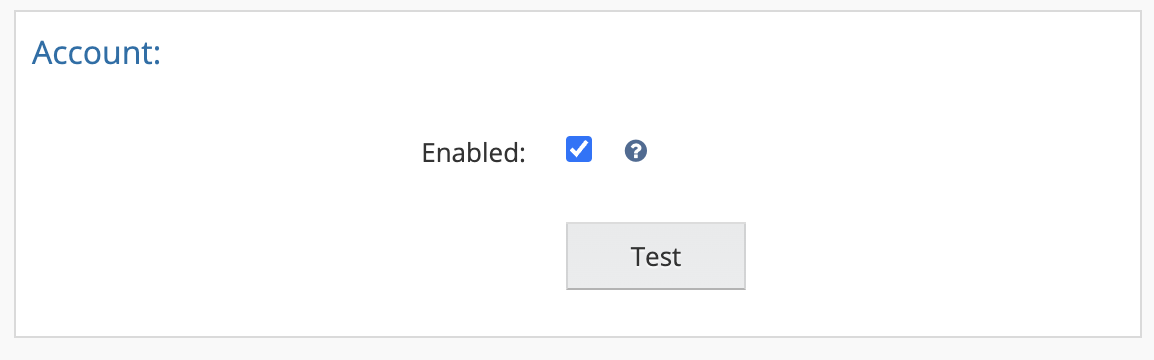
- Enabled: Ensure this option is selected to enable communication between Wowcher and Linnworks.
- Test: This can be used to verify a working connection to Wowcher.
Order
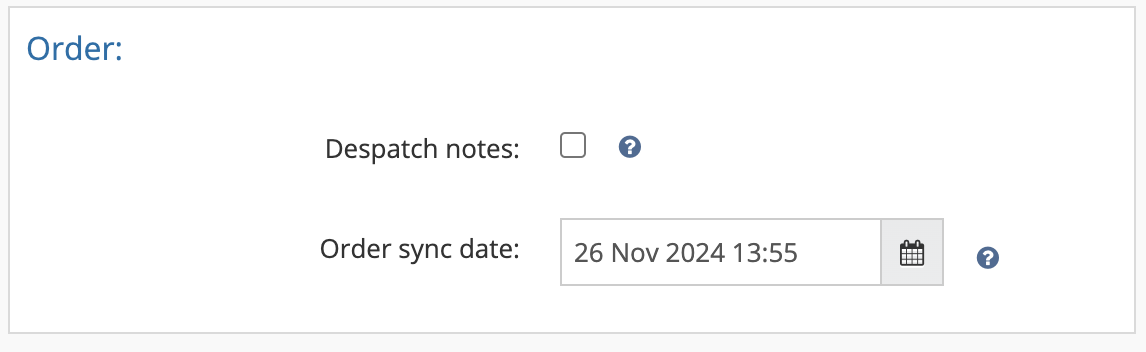
- Despatch notes: If ticked, Linnworks will automatically submit a despatch notification along with tracking number and Shipping Service to Wowcher.
- Order sync date:This shows the date and time Linnworks last synced with the channel.
Inventory
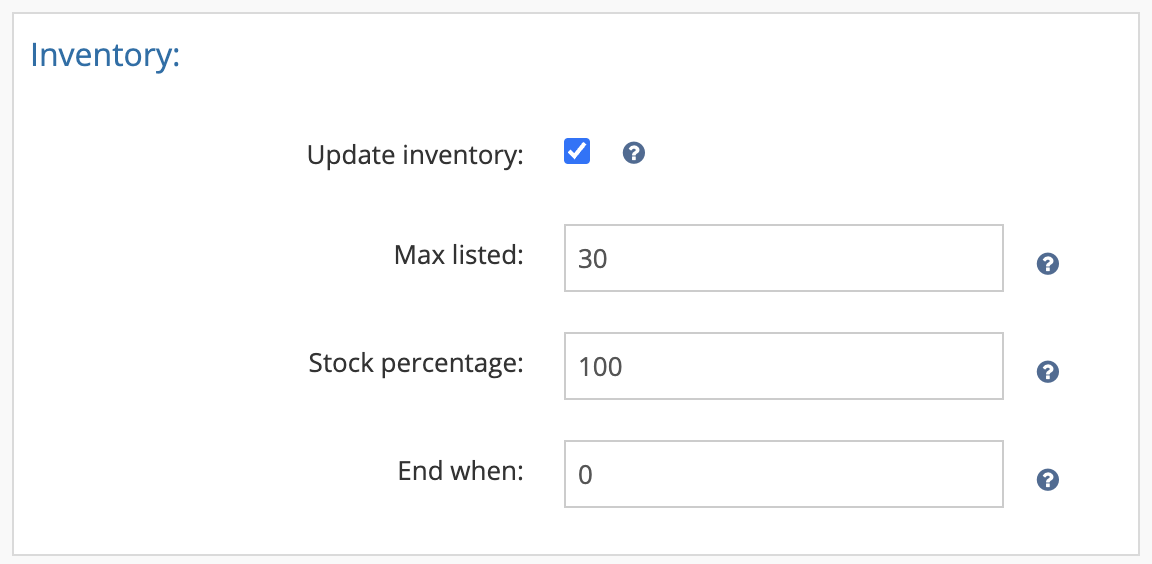
{warning} Not supported by this channel
Inventory Price Change
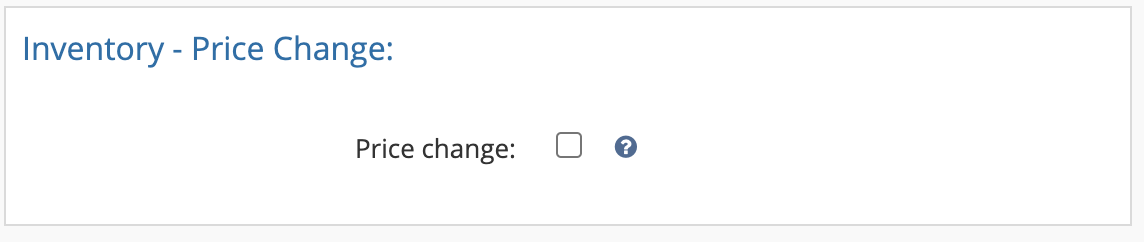
{warning} Not supported by this channel
Listings
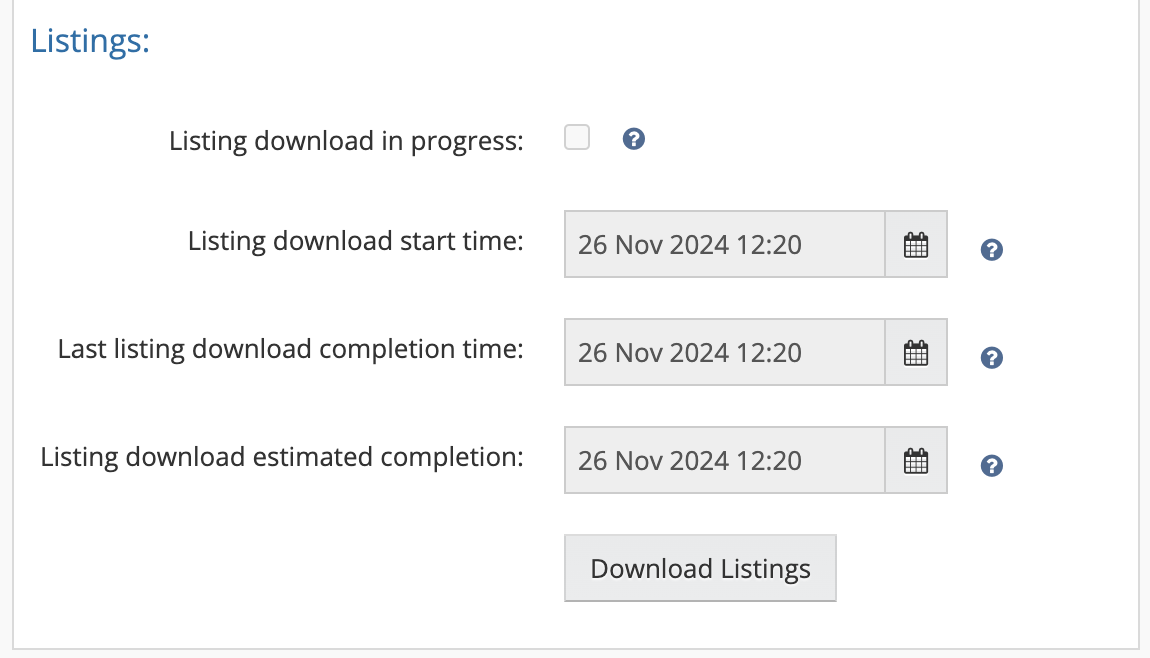
- Listing download in progress: This flag is activated if the listing update has started.
- Listing download start time: Displays the date and time the update began.
- Last listing download completion time: Shows the time when the last listing download was completed (initiated via the “Download Listing” button).
- Listing download estimated completion: Provides an estimate of when the manual scan will be finished.
- Download Listings:Click this button to force Linnworks to request an update from the channel for your active listings.